ACCELERATE SERVICE AND KEEP EVERY ORDER CONSISTENT

SelfService kiosks empower guests to browse, build, and pay for their order without waiting in line. Tailored for high-traffic hospitality, retail, and venue environments, they cut queues, sharpen accuracy, and free your team to focus on standout experiences.

Book a Free Demo
TouchPoint Lite EPOS software showing a Samsung Table on a stand in Sales Mode

Purpose-built for busy hospitality and retail

SelfService is designed for hospitality, retail, visitor attractions, and healthcare sites, including fully cashless operations, to lift order volumes and basket values without adding friction for staff.

Visitors steer the intuitive touchscreen to choose items and check out independently, keeping service moving while your team handles higher-value interactions.

The guided journey keeps ordering simple for every guest, and each transaction is settled at the kiosk for a smooth, end-to-end experience.

Already running TouchTakeaway, ByTable, or ByRetail? SelfService mirrors those menus automatically so updates to products, pricing, and promotions sync across your entire EPoS ecosystem.
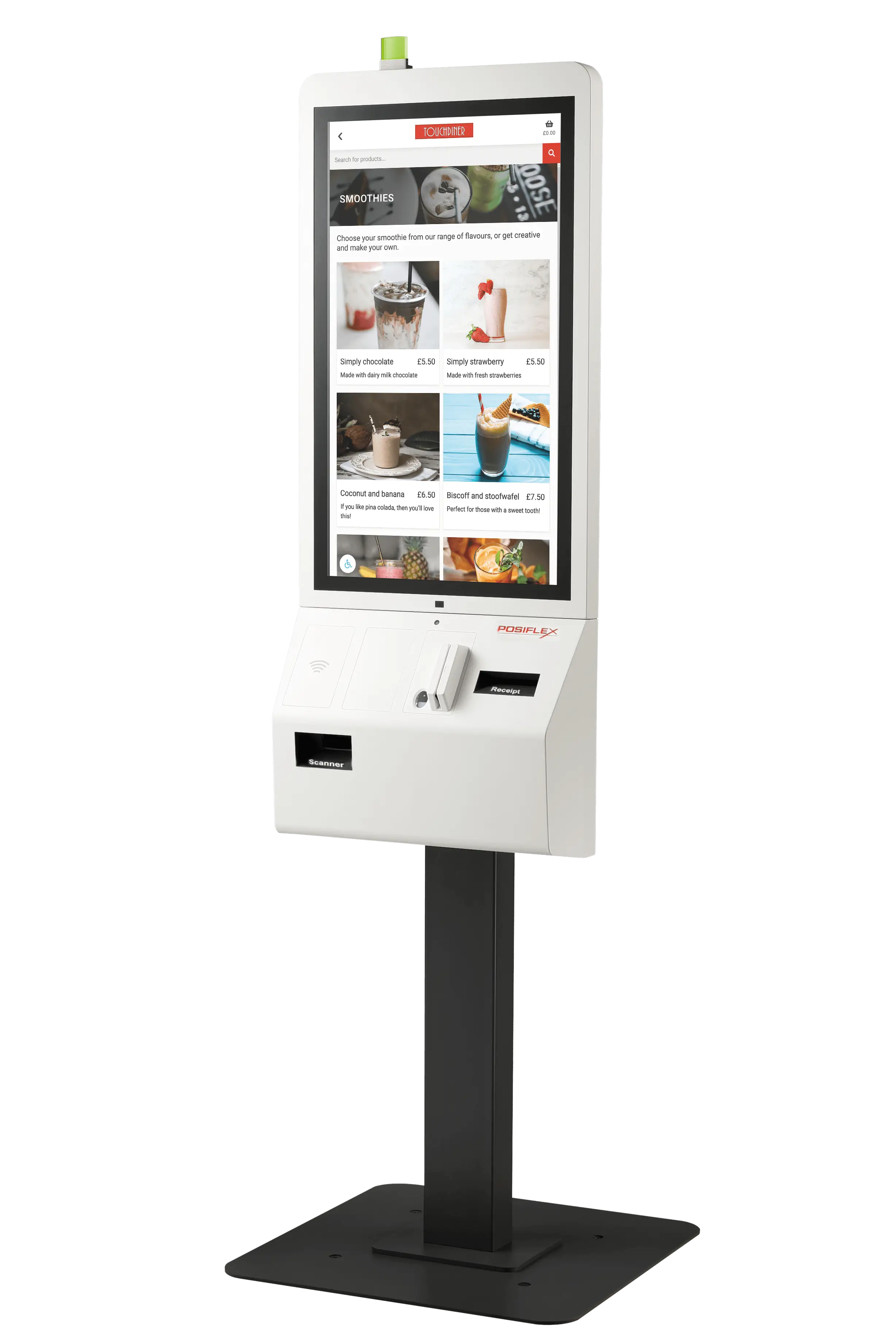
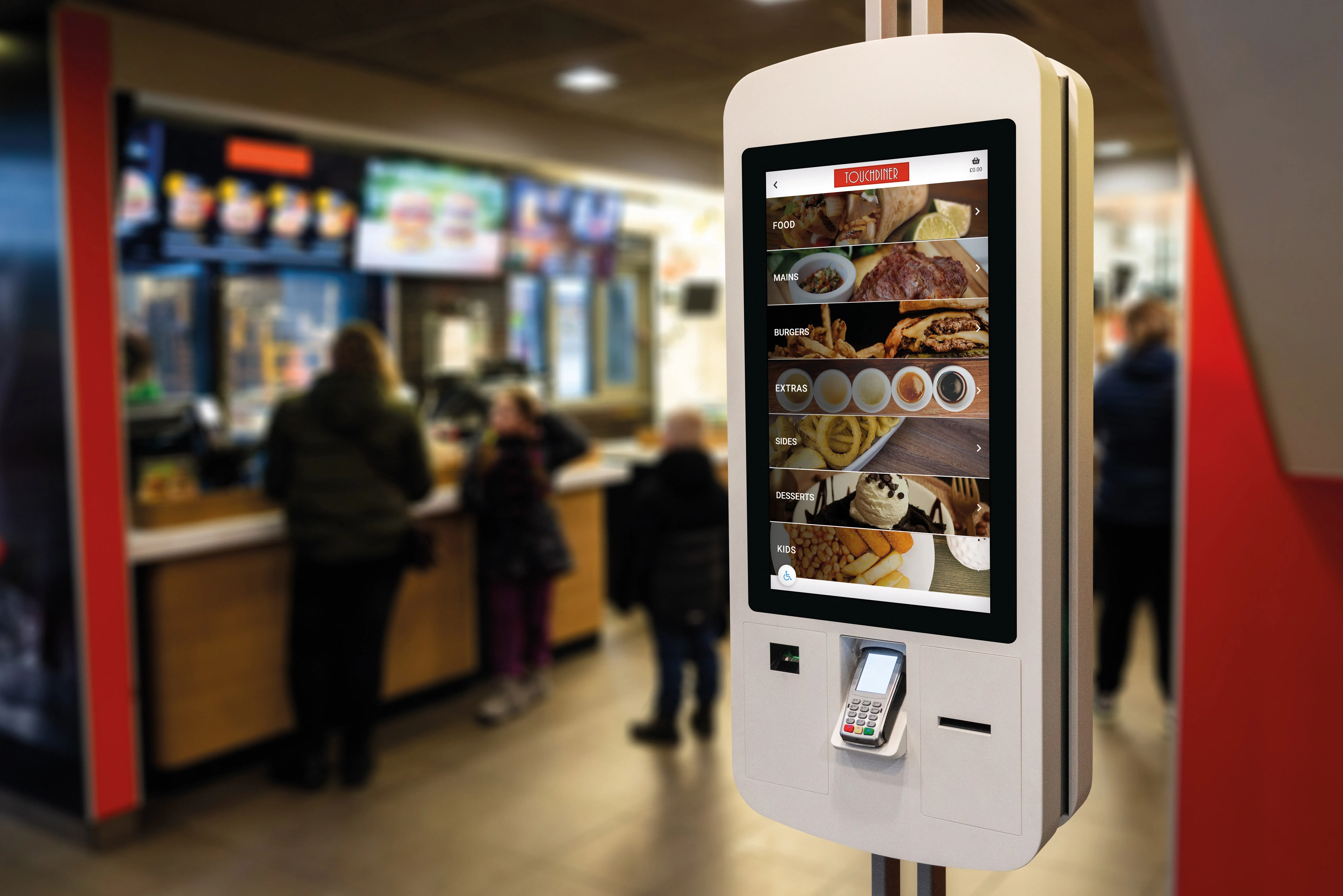
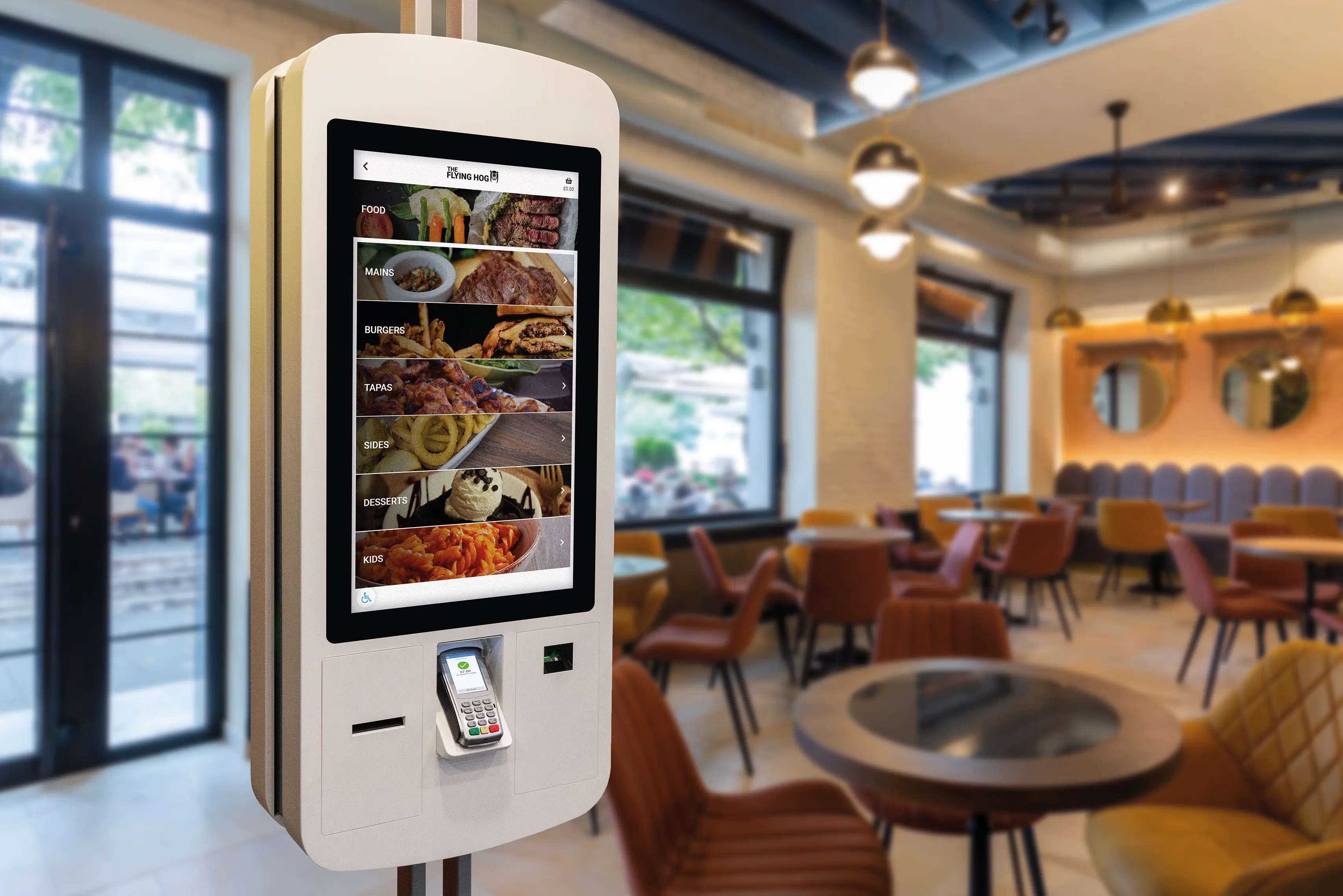
SelfService kiosk in a quick-service Flying Hog restaurant
SelfService kiosks highlighted with promotional signage in a venue

Flexible kiosk setups that fit your space

Strategic placement eases bottlenecks at the counter. Mount kiosks to walls when floor space is tight or position tablets at tables for seated ordering.

Turn the attract screen into a mini digital poster, spotlighting new dishes, hero products, seasonal offers, or upcoming events.

Select single or dual-column menu layouts to suit your catalogue and hardware, keeping navigation clear for every customer.

Schedule daypart menus, from breakfast to lunch and beyond, so the kiosk refreshes automatically without manual intervention.

Promote offers icon

Promote new offers

Use the attract screen as digital signage to highlight launches, seasonal specials, and time-limited promotions.

Menu layout icon

Choose the perfect layout

Toggle between single and dual-column menus so browsing stays effortless, whatever your product range.

Automated menu icon

Schedule menu swaps

Automate breakfast, lunch, and evening transitions to keep menus current without manual updates.

CollectionPoint integration icon

Connect with CollectionPoint

Push order numbers straight to CollectionPoint displays so guests and kitchen teams stay in sync.

Accessibility mode icon

Accessible for every guest

Activate reduced-height mode so wheelchair users can comfortably reach every on-screen control.

Secure payment icon

Secure instant payment

Capture payment at the kiosk to minimise abandoned orders and keep revenue protected.

Increase revenue with smart upselling tools

Serve more customers with the same team; orders placed at SelfService kiosks typically come in up to 40% higher than those taken at a traditional till.

Set defaults such as larger portions, bundles, and mix-and-match deals, and surface your most profitable items first to gently raise spend.

Offer flexible modifiers so guests can tailor dishes to dietary needs, allergies, or personal tastes without slowing the queue.

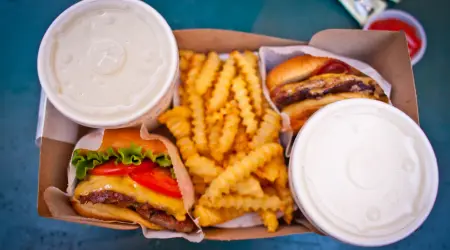
SelfService kiosk showing burger ordering options
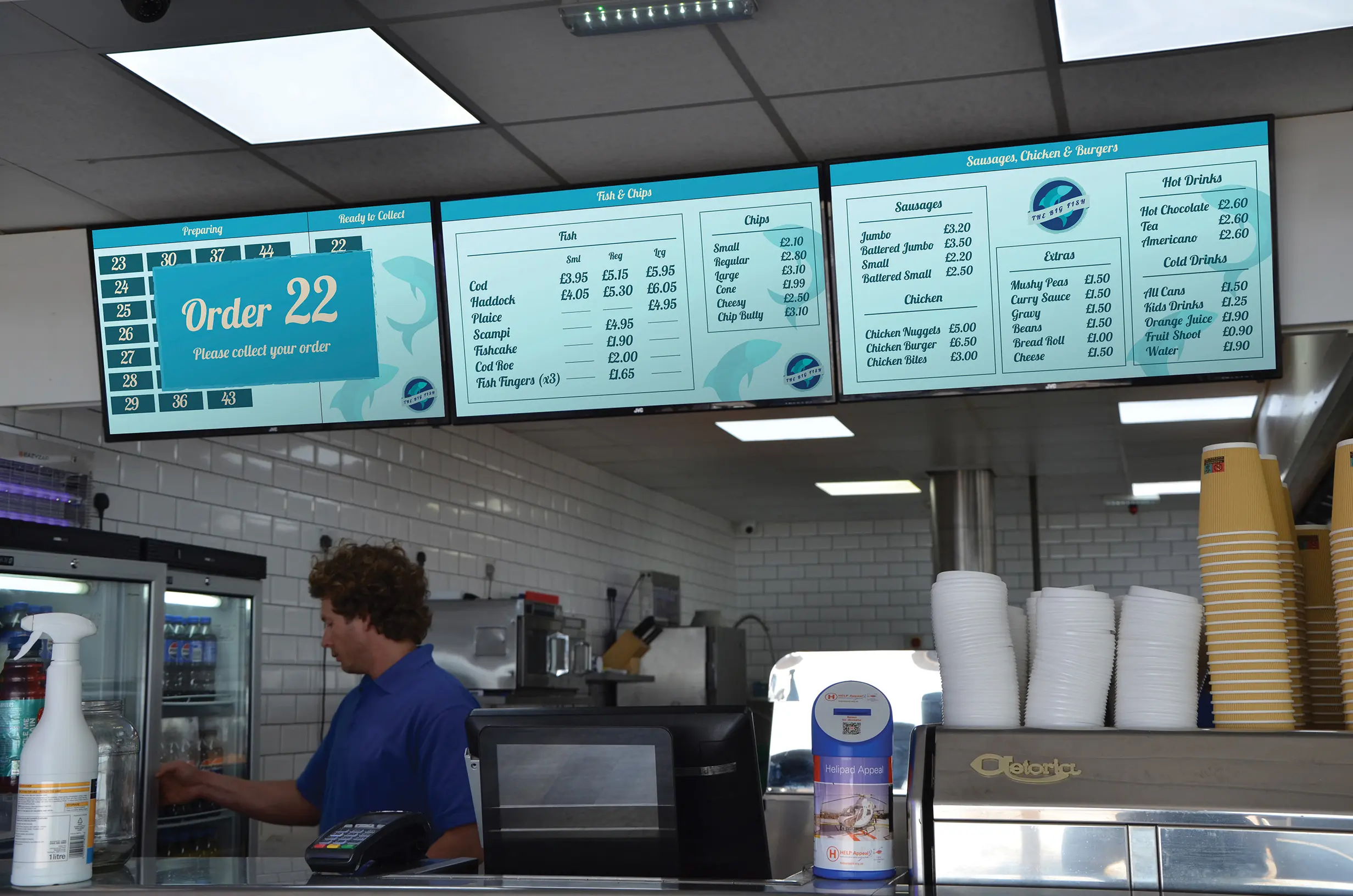
CollectionPoint display showing fish and chip orders ready for pickup

Built for inclusive, dependable fulfilment

Receipts can include collection numbers that push straight to CollectionPoint displays, keeping kitchen and front-of-house teams aligned.

An accessibility mode lowers the interactive area so wheelchair users can comfortably reach every control on the screen.

Payments are captured upfront at the kiosk, protecting your operation from abandoned or fraudulent orders.