SERVE EVERY TABLE WITH PAPERLESS SPEED

PocketTouch keeps orders moving from the table to the till in seconds. Your team can capture requests, answer menu questions, and send tickets straight to the kitchen without ever leaving the guest.

Book a Free Demo
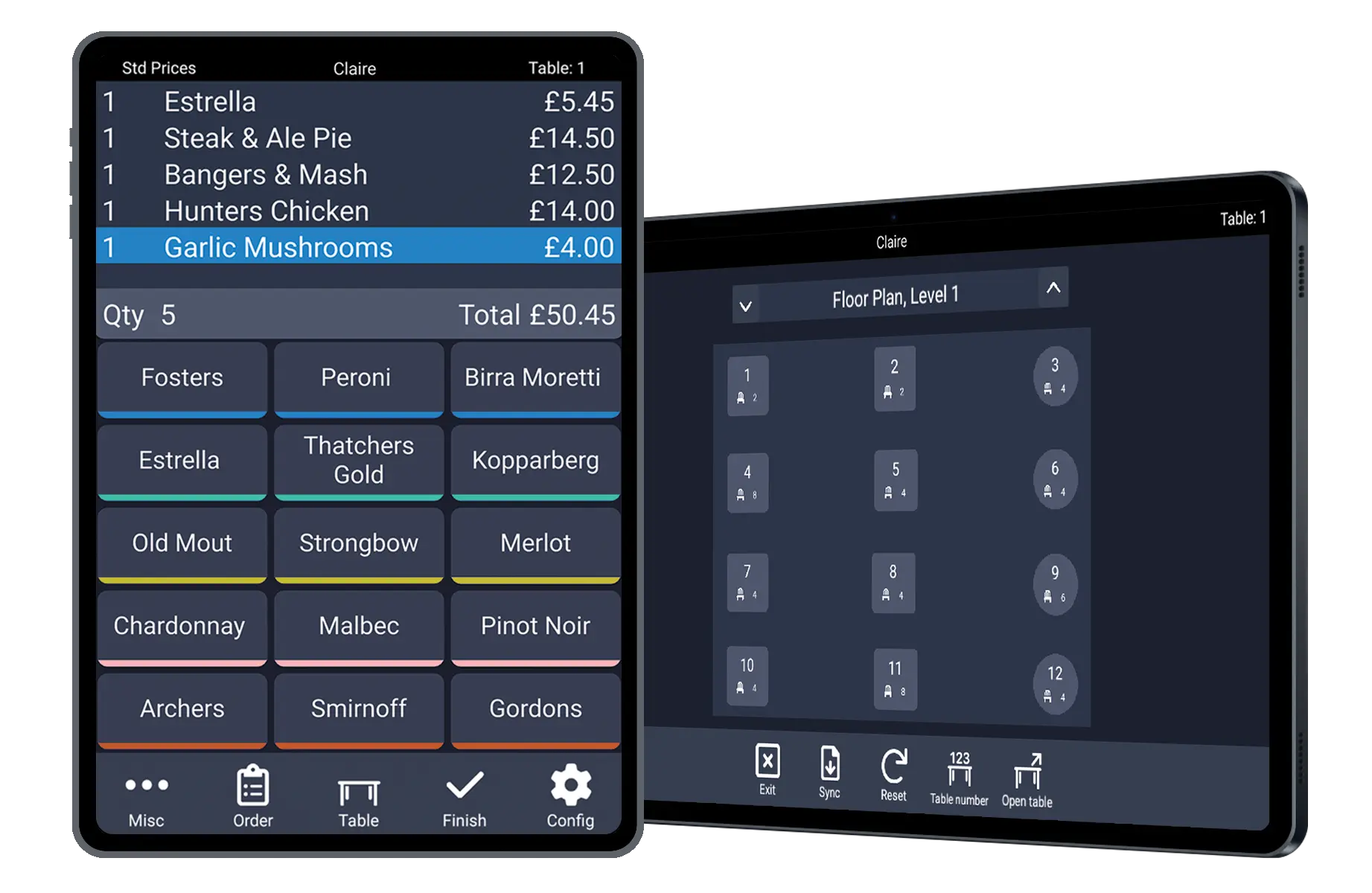
PocketTouch handheld ordering showning the order screen and floor plan

Handheld ordering built for busy service

PocketTouch replaces paper pads with intuitive handheld software that works on iOS, Android, Windows, and PAX devices, so every venue can adopt it without changing hardware.

Orders hop from device to TouchPoint tills and kitchen displays instantly, keeping chefs informed and table turns high.

Staff stay with guests to deliver a personal experience while the tech handles the admin in the background.

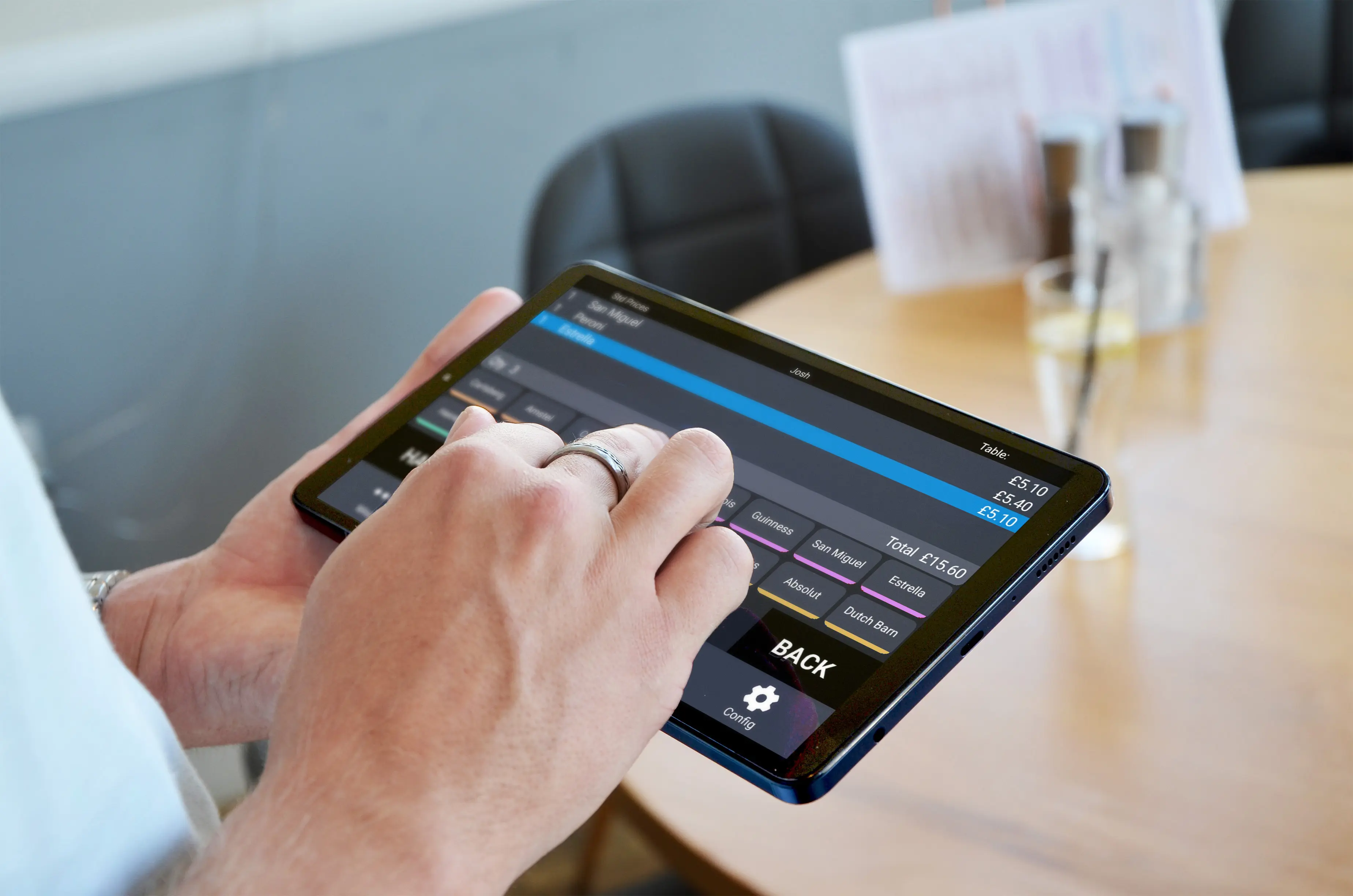
Server taking an order on a PocketTouch tablet
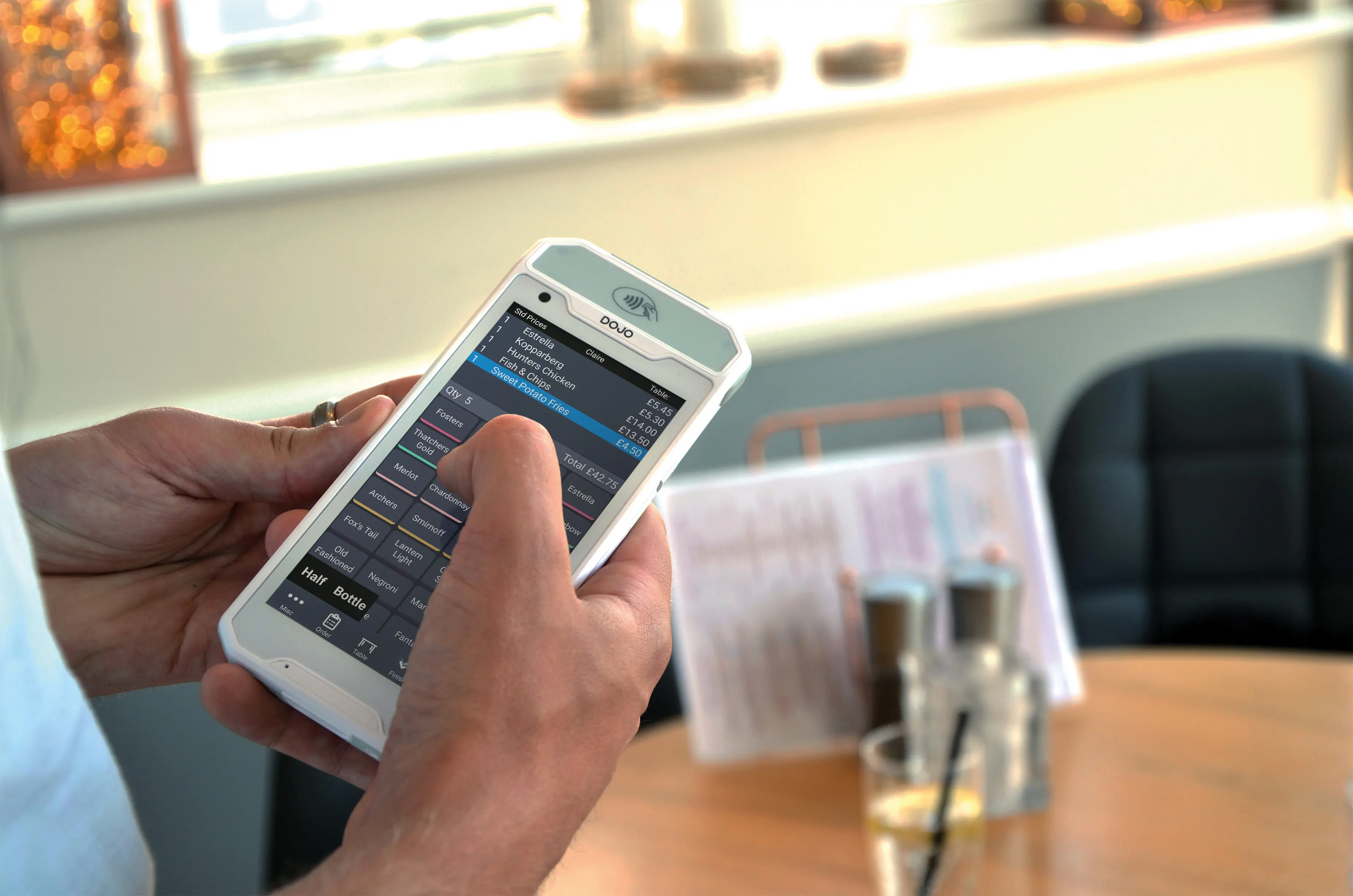
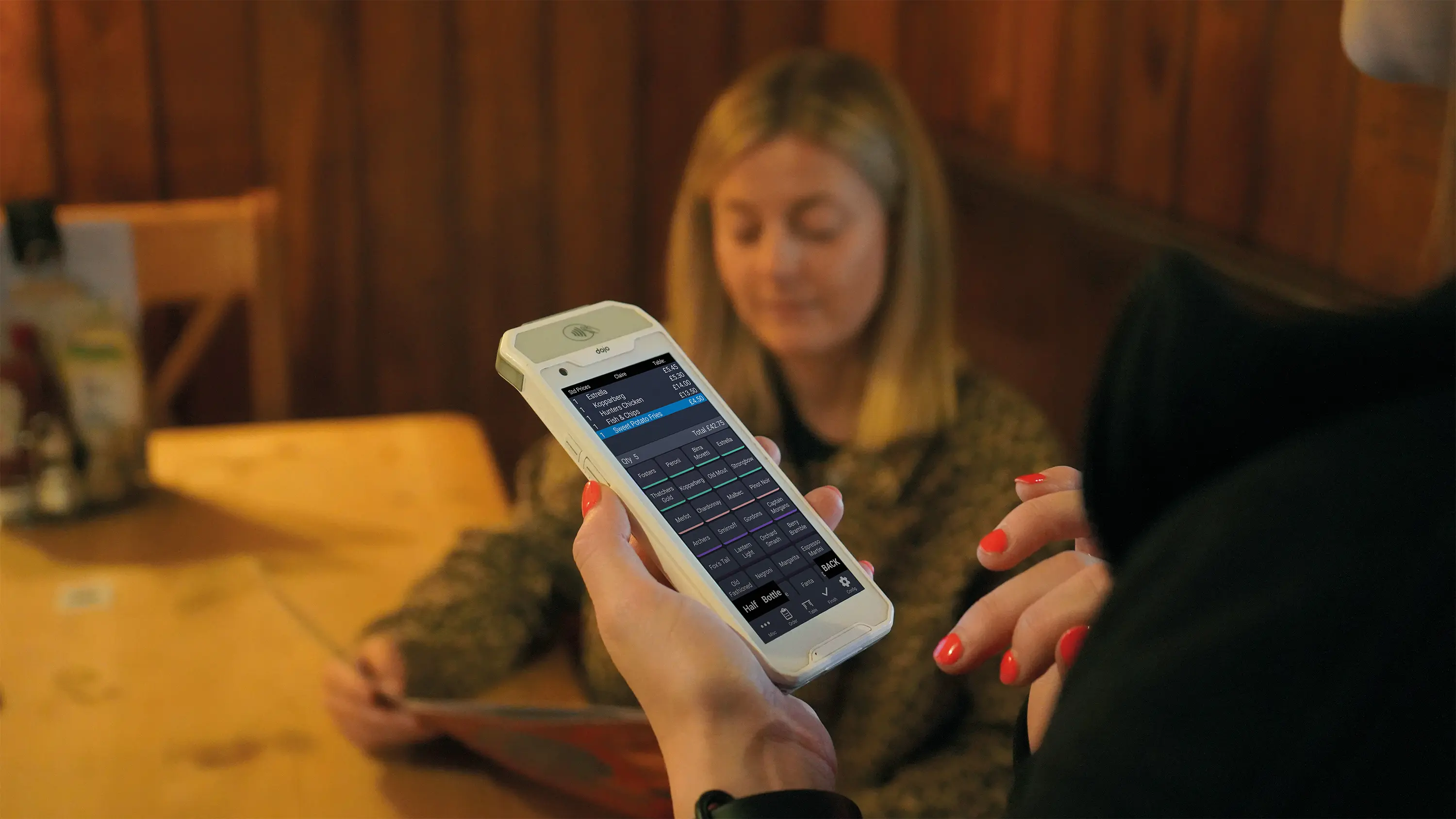
PocketTouch handheld paired with a Dojo payment terminal for tableside checkout

Cut queues and take payments on the spot

Serve guests in the queue, at the bar, or at the table and send their orders straight to production without returning to the till.

Complete the bill from the same device with supported PAX integrations so covers close faster and tables free up sooner.

Less walking, fewer errors, and happy guests who see their food arrive sooner.

Orders to kitchen icon

Instant kitchen updates

Send orders directly to TouchKitchen and production printers so the brigade gets started without delay.

Menu knowledge icon

Menu knowledge on hand

Allergen notes, promos, and modifiers sit in the palm of your staff's hands to answer questions confidently.

Integrated payments icon

Integrated table payments

Link with compatible payment providers to take card transactions at the table with one device.

Multi device icon

Flexible hardware choice

Run PocketTouch on lightweight tablets, phones, or dedicated handhelds to suit your venue and budget.

Table status icon

Real-time table status

Give teams live visibility of open checks, course progress, and seat assignments to coordinate service.

Floor plan management icon

Custom floor plans

Design multi-level layouts, assign sections, and monitor covers so the right staff reach the right tables.

Grow order values with guided prompts

Encourage upsells with default modifiers, suggested sides, and automatic prompts that appear while orders are captured.

Out-of-stock items are flagged in real time, keeping choices accurate and reducing awkward conversations.

With precise orders the first time, there's less waste and more time to focus on delivering standout service.

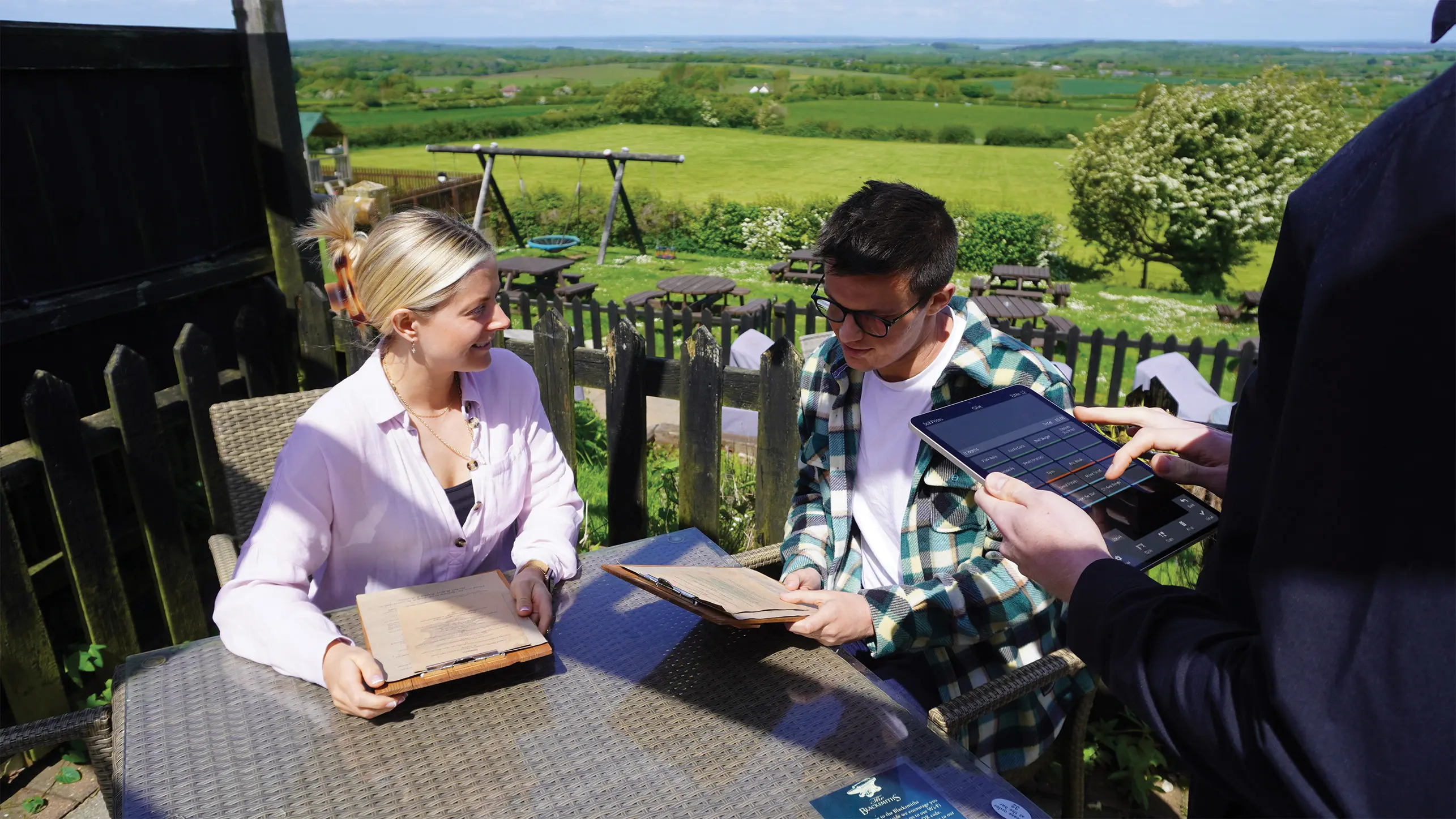
Server using a PocketTouch handheld in the garden
Using PocketTouch and Dojo Pocket to take an order at the table

Streamline every shift from one screen

Monitor table turns, status changes, and course progression from the floor plan so no guest is left waiting.

Add notes for dietary requests or special prep instructions that follow the ticket through to the kitchen.

Maintain smooth service across large sites by assigning zones and keeping the whole team informed.